BOTSTACKS / CMS Deployment

Bring helpful answers to the website you already have.

Choose a widget experience, review it against your brand, and follow the installation guidance for your website platform.
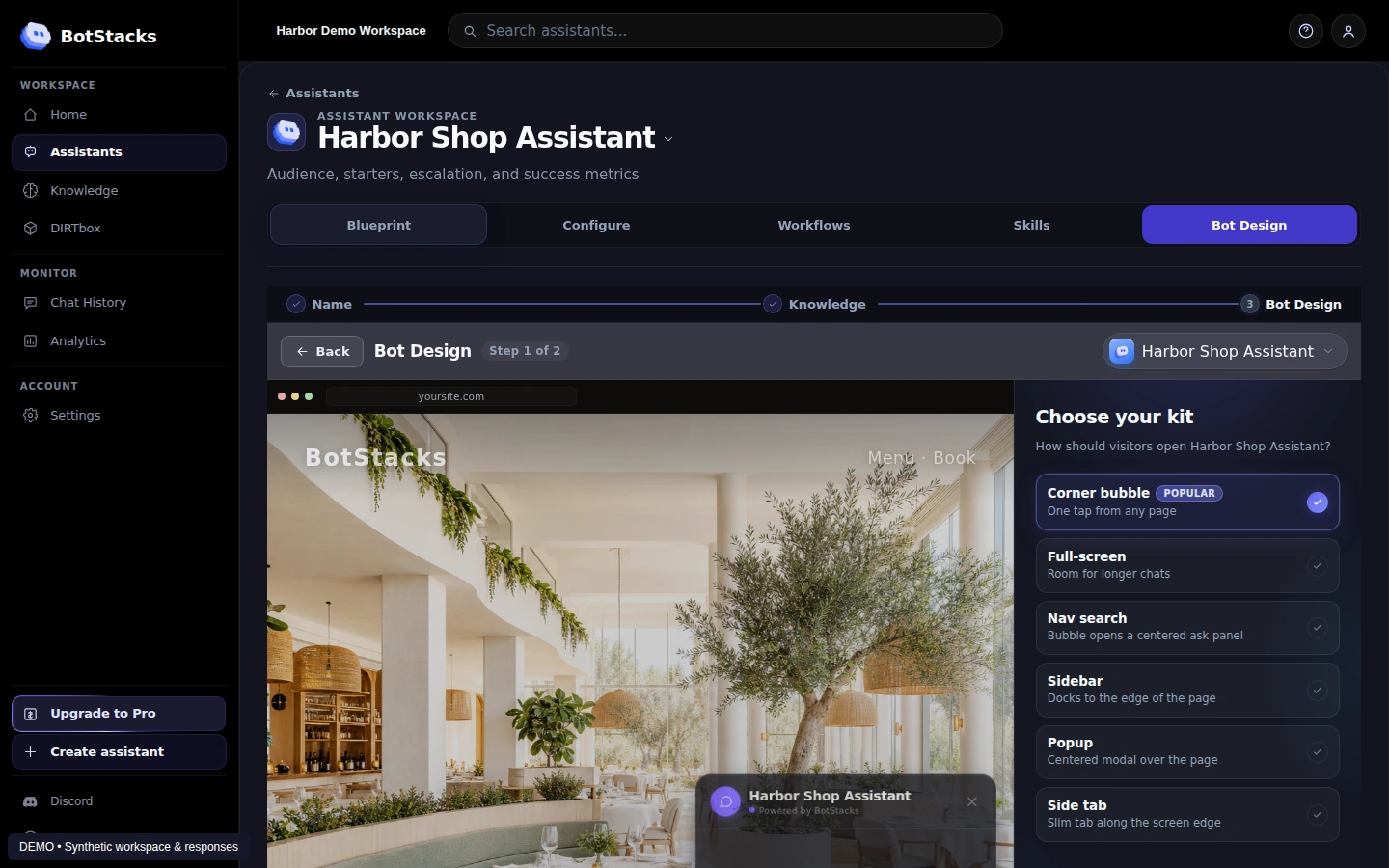
CMS Deployment in the BotStacks simulator
Product preview · Synthetic demo workspace

FROM SETUP TO OUTCOME

Make the next customer interaction more useful.

01

Meet visitors where they are

Add an assistant experience to the site your customers already use.

02

Keep the experience on brand

Explore widget styles in Bot Design and choose how the assistant fits your website.

03

Follow a clear path to launch

Use the in-app platform guide, check the result on your site, and test on mobile before sharing it.

ONE CONNECTED WORKFLOW

From your knowledge.
To your customer’s next step.

Gather context, shape the assistant, practice the answers, and bring it to your site.

  1. 01Crawler↗
  2. 02BrainVault↗
  3. 03AI Studio↗
  4. 04DIRTbox↗
  5. 05CMS Deployment↗

YOUR NEXT STEP

Put your business knowledge to work.

Start building, or explore the plan that fits your needs.

Before you use AI chat

You will be chatting with an AI assistant. Answers can be inaccurate. Avoid sharing sensitive information.

Starting chat connects to our chat service, which receives connection information and processes messages you send. The widget may use browser storage for conversation continuity. See our Privacy Policy and Cookie Policy.

This control applies to this website’s chat only. Turning it off reloads the page and stops chat loading until you request it again. It does not delete messages already sent or stored conversation data. For deletion requests or human help, contact us.